Free
No account requiredGet to know
your next take.
- Three scripts
- Unlimited reading and rehearsal
- Video and audio takes up to 30 seconds
- Repeat and export without a watermark
A useful place to begin.
A teleprompter that keeps your script in view. Prepare, rehearse, then record your next take.
Find your reading rhythm01 / Make it comfortable
Set the type size, spacing and reading width. Scroll manually or choose an automatic pace. Your saved scripts stay available offline.
Try the readerNo microphone or camera
Space play ↑↓ line ←→ speed M mirror F focus
A browser illustration of the reader. Your script stays in this page: nothing is saved or sent. Voice following and recording are features of the app.
Start with one idea your audience should remember.
Explain why it matters to them.
Share an example. Leave a moment for it to land.
Connect the example to your main point.
End with a clear next step.
02 / From the page to the take
The words are the starting point.
How you say them is yours.
Prepare
Write, paste or import TXT, DOCX, RTF and PDF. Review the text, then add headings, bookmarks and timed pauses.
Rehearse
Read manually or at a set speed. Pro voice following moves the script with your speech where on-device recognition supports your device and language.
If voice following is unavailable, manual and automatic reading remain available.
Record
Record video or audio with the script in view. Free takes last up to 30 seconds; Pro lets you record longer. Trim a copy, then export.
Pro can generate captions where on-device recognition is supported; review them before sharing.
03 / In view
Cuearo is being built for iPhone and iPad. Adjust the reading width and type to make the script comfortable for your setup.
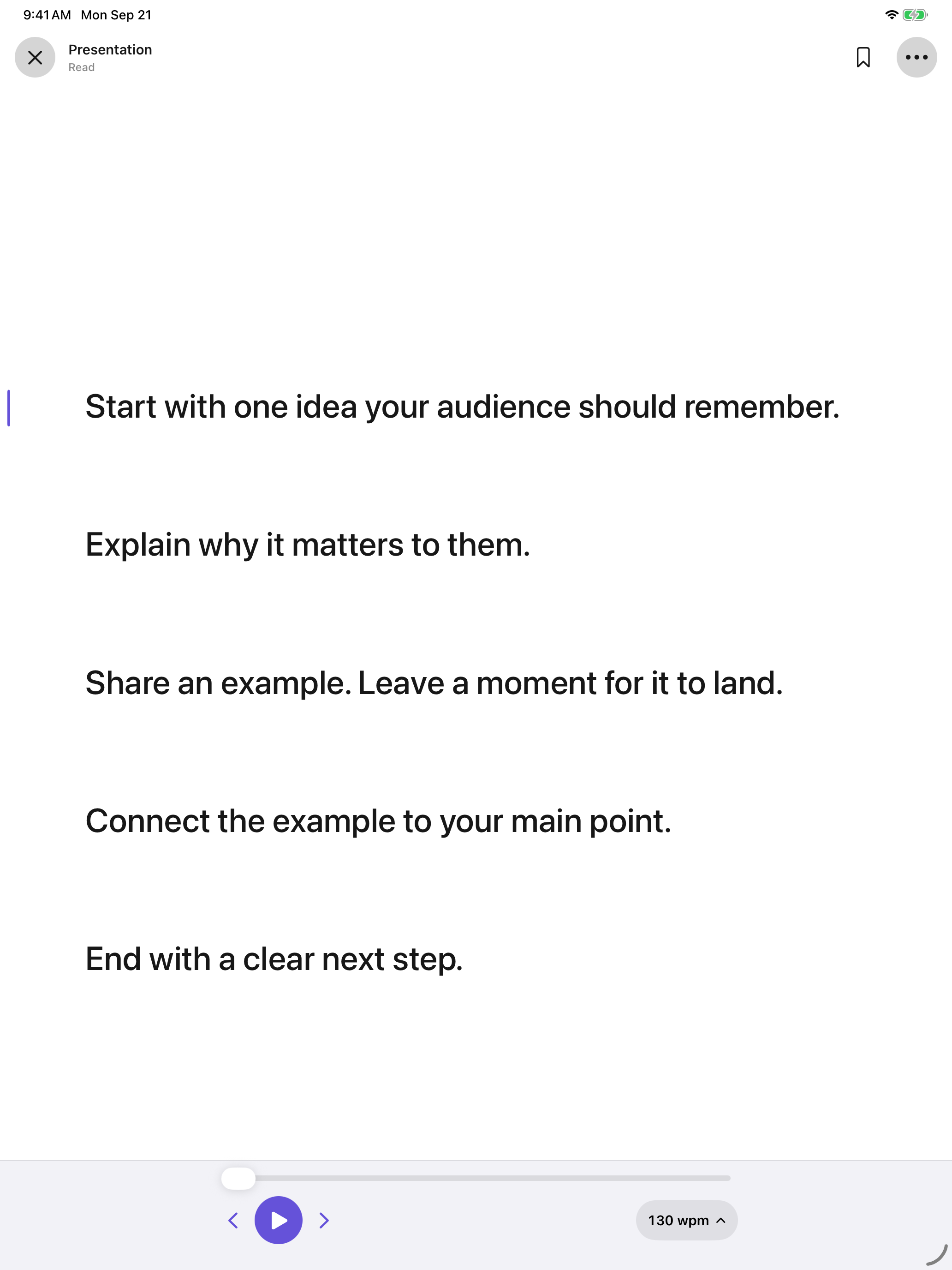
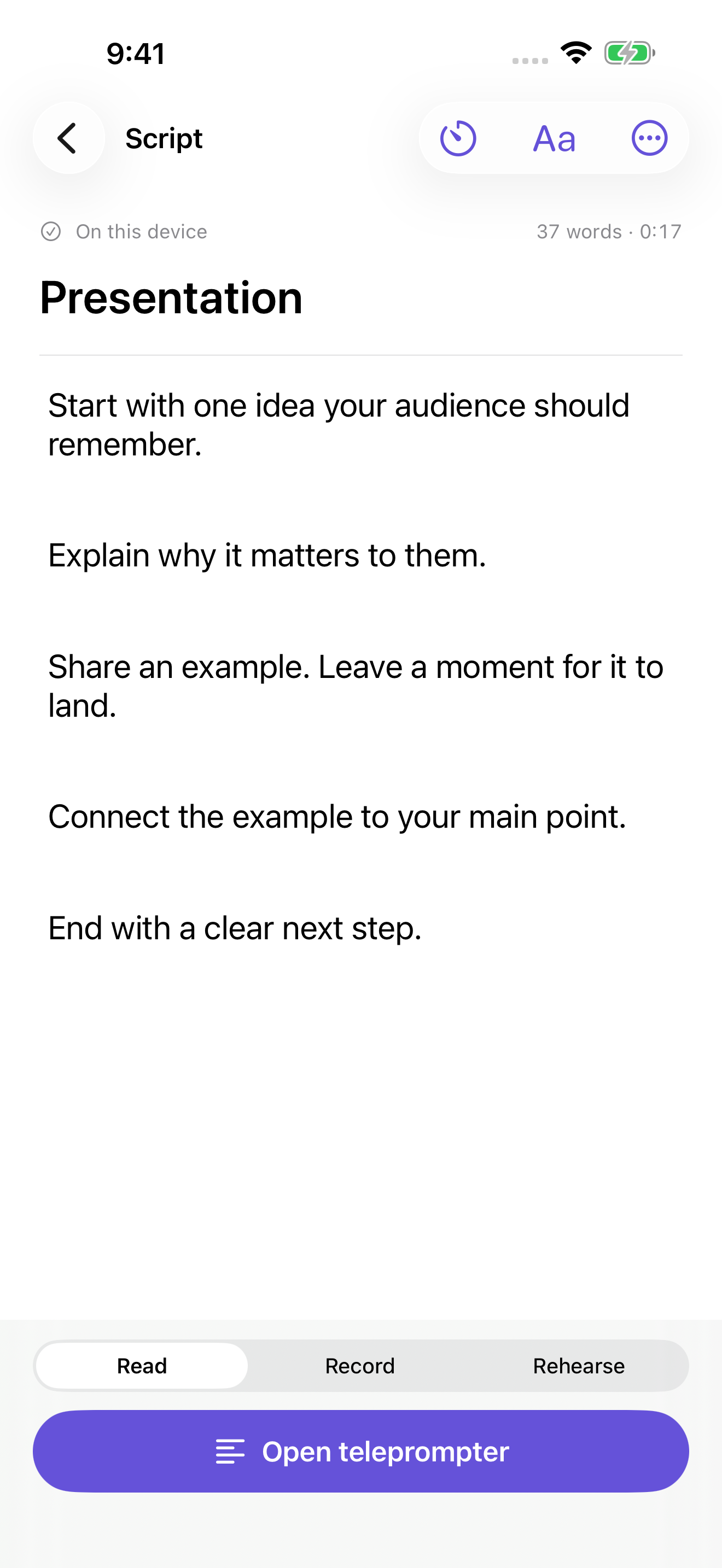
Actual app screens from development. Interface may change before release.
04 / Free & Pro
Cuearo is in development. Purchases will be available when the app launches.
Get to know
your next take.
A useful place to begin.
More room
for what comes next.
U.S. Lifetime price. Regional pricing and purchase terms will be shown in the App Store before you buy.
05 / Local-first by design
Keep another copy: export a library backup, and save audio and video recordings separately.
06 / A little help
Importing a script, restoring Pro or keeping a backup? Find the next step in Cuearo support.